

The FXON Portal
What is two-factor authentication?
Settings and Changes
The FXON Portal
This article was :
Published in 2024.05.14
Updated in 2025.05.23
For sensitive operations, FXON users must complete an additional verification step along with entering their password for added security.
Available methods include two-factor authentication using login password, email address, and authenticator app.
To set up two-factor authentication using your login password, please refer to the following link.

To set up two-factor authentication using your email address, please refer to the following link.
To set up two-factor authentication using an authentication app, please refer to the following link.
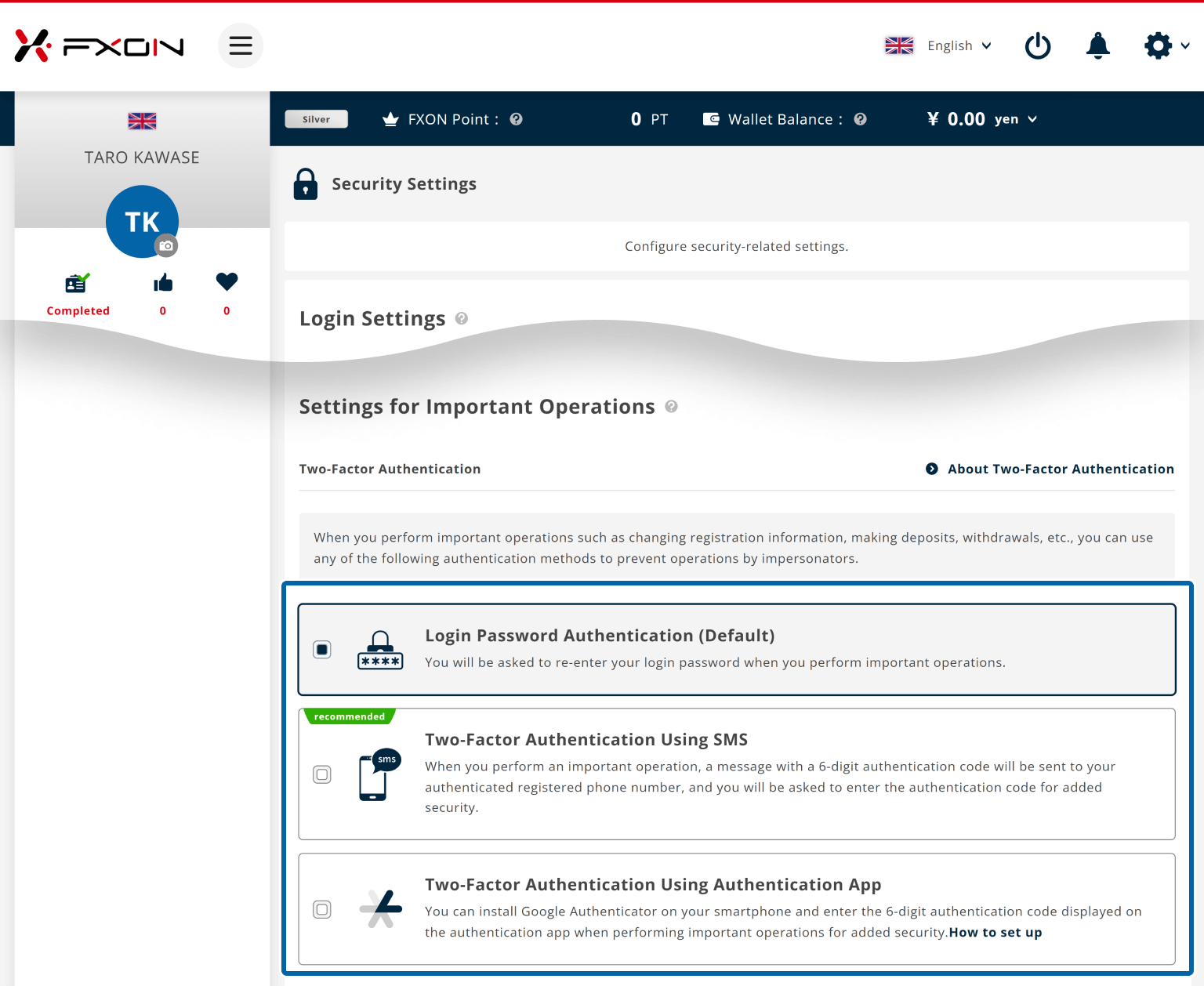
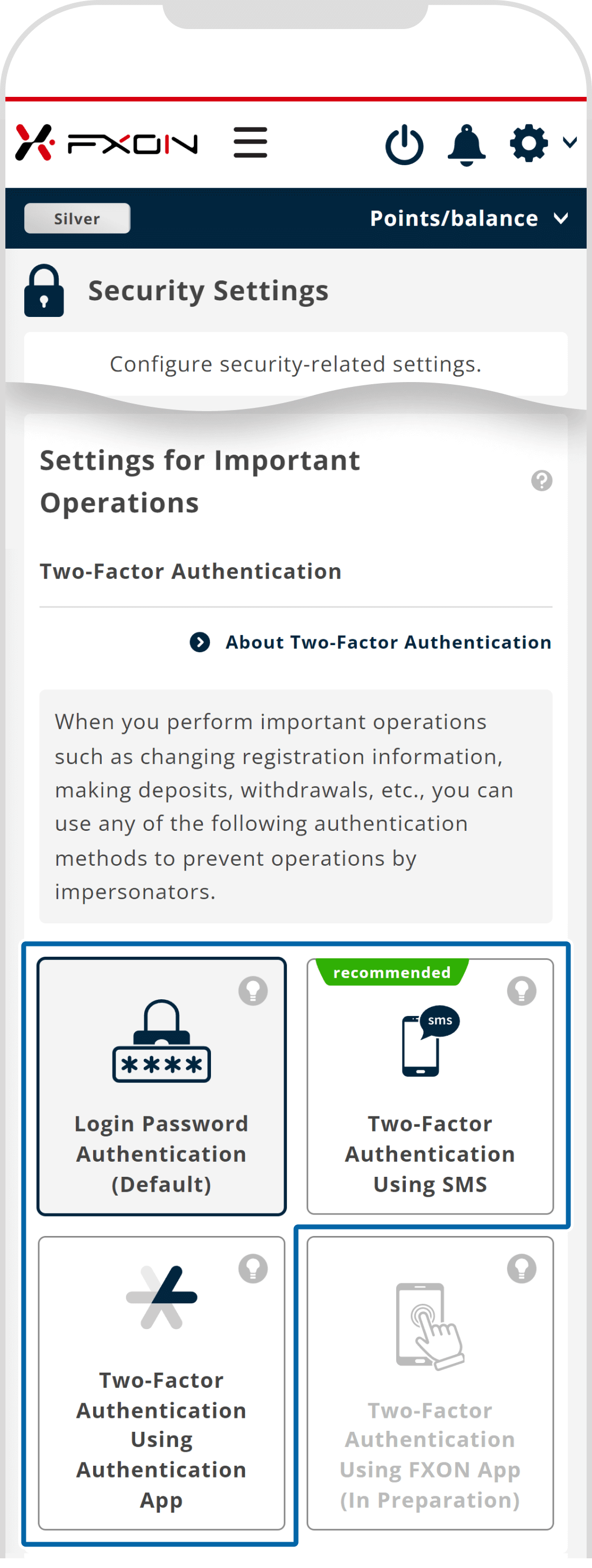

For security reasons, FXON cannot disable two-factor authentication. For more details, please refer to the following article:
Was this article helpful?
That’s Great!
Thank you for your feedback
Sorry! We couldn't be helpful
Thank you for your feedback
Feedback sent
We appreciate your effort and will try to fix the article
0 out of 0 people found this article helpful.
2025.03.11
How do I set up the security settings?
2024.05.13
What is login authentication for?
2024.05.14
What is two-factor authentication?
2024.05.14
How can I update the registered name?
2025.03.14
How do I change the registered information for the corporate account?


